
Themes
tackline highlights code with one of these themes. Without --theme it picks base16-ocean.dark, or
InspiredGitHub when the terminal reports a light background (see Terminals).
tackline --theme "TwoDark"
Each theme’s Copy button copies the command that starts tackline with that theme.
ansi, base16 and base16-256 use your terminal’s own colors, so they follow your terminal’s
color scheme; the screenshots show them with a One Dark palette. Borders, the status bar and the
note markers always use your terminal’s colors.
Dark #
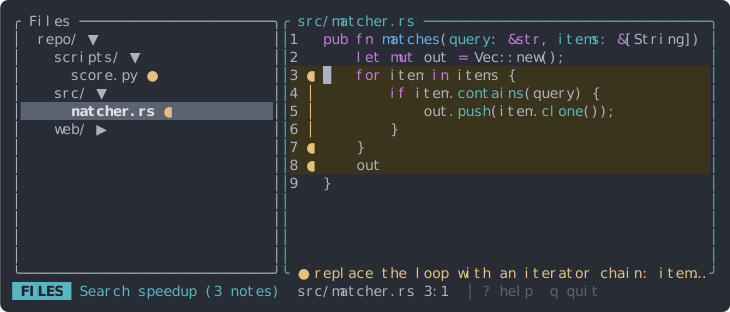
tackline --theme 'ansi'
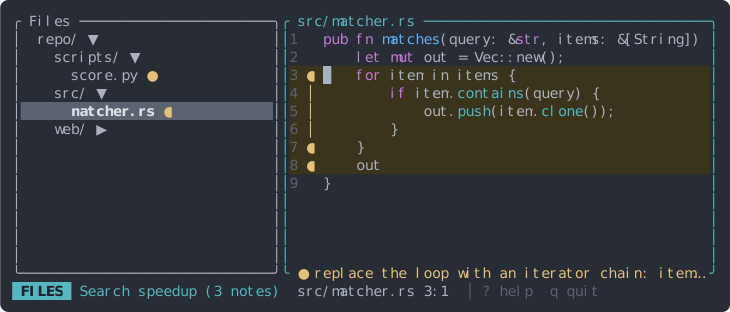
tackline --theme 'base16'
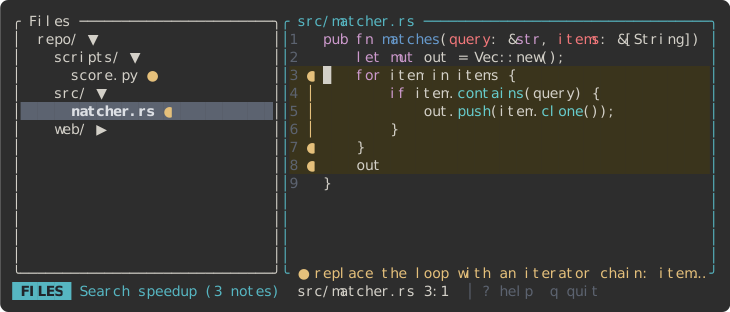
tackline --theme 'base16-eighties.dark'
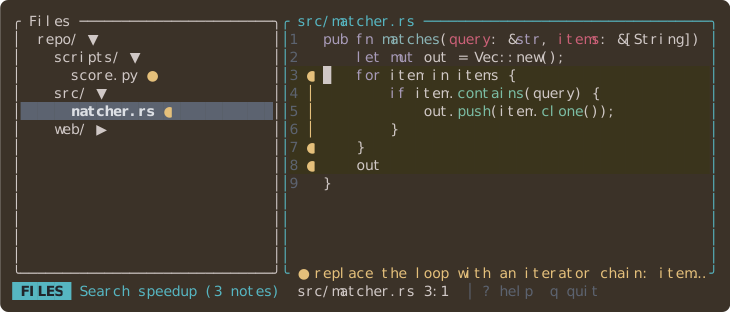
tackline --theme 'base16-mocha.dark'
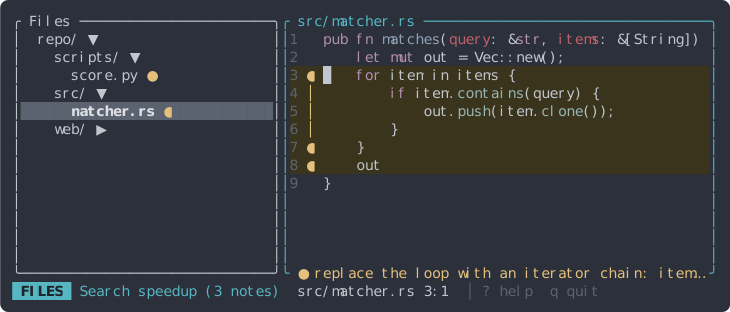
tackline --theme 'base16-ocean.dark'
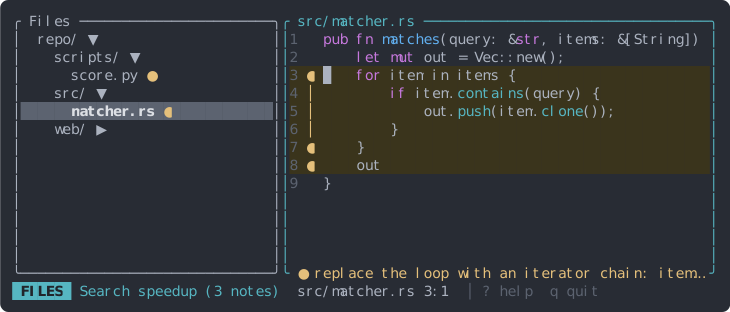
tackline --theme 'base16-256'
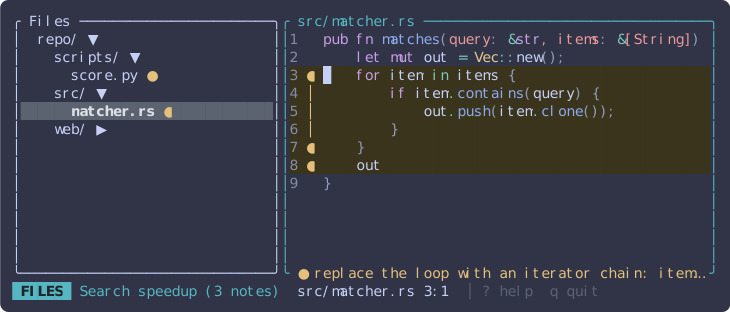
tackline --theme 'Catppuccin Frappe'
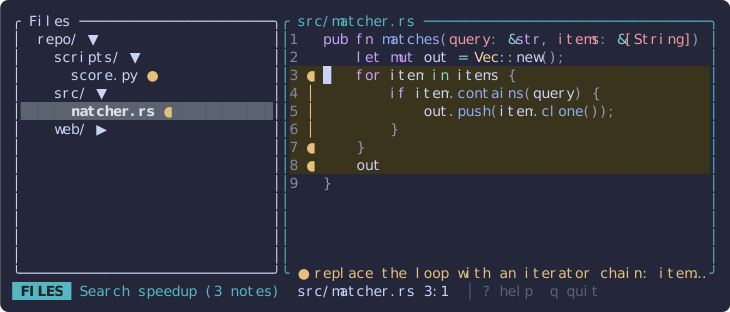
tackline --theme 'Catppuccin Macchiato'
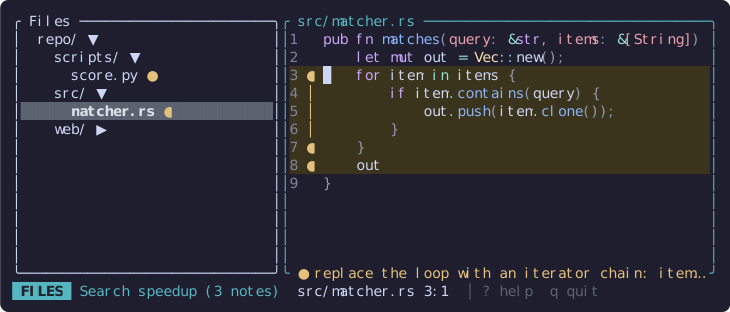
tackline --theme 'Catppuccin Mocha'
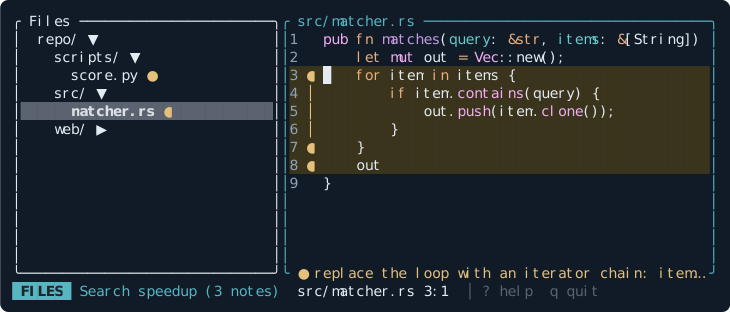
tackline --theme 'Coldark-Dark'
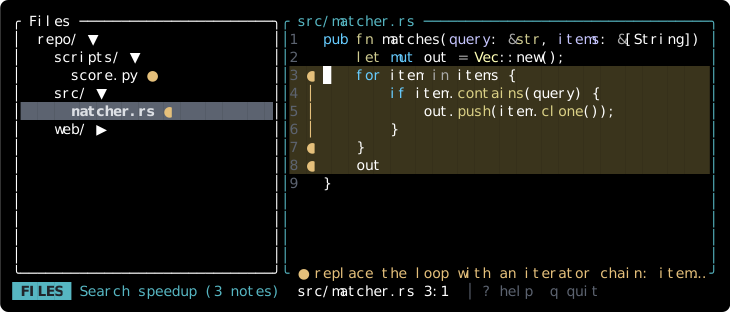
tackline --theme 'DarkNeon'
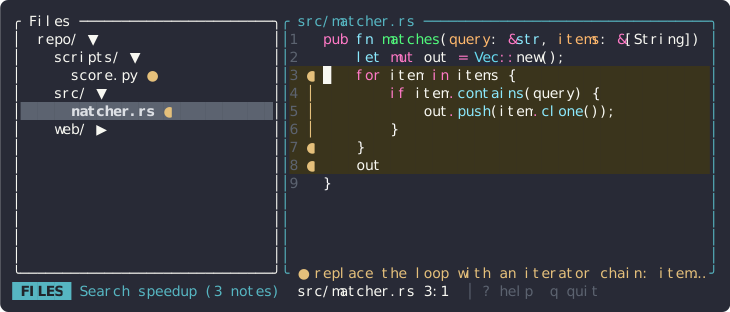
tackline --theme 'Dracula'
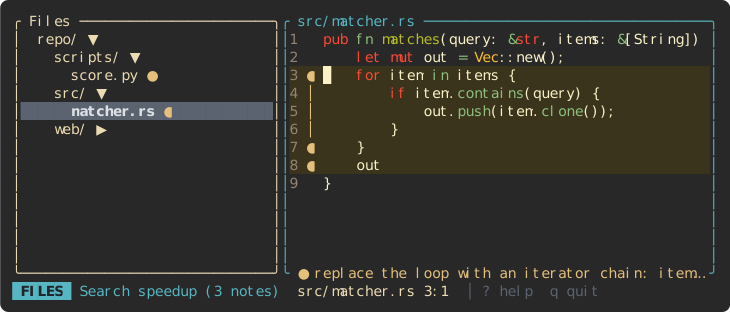
tackline --theme 'gruvbox-dark'
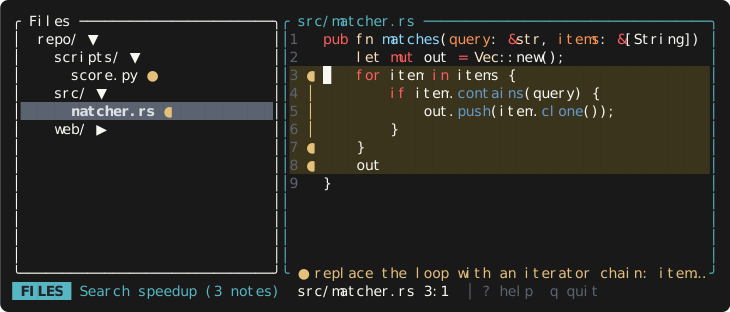
tackline --theme '1337'
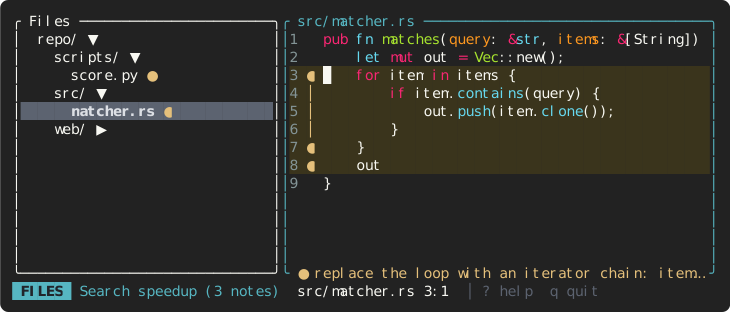
tackline --theme 'Monokai Extended'
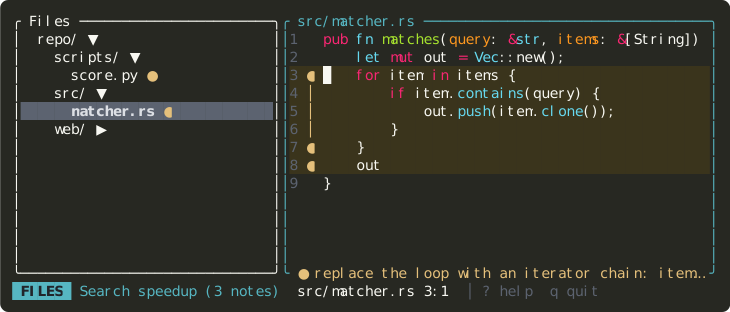
tackline --theme 'Monokai Extended Bright'
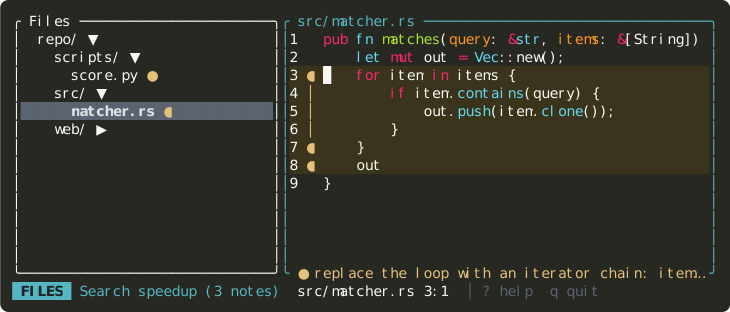
tackline --theme 'Monokai Extended Origin'
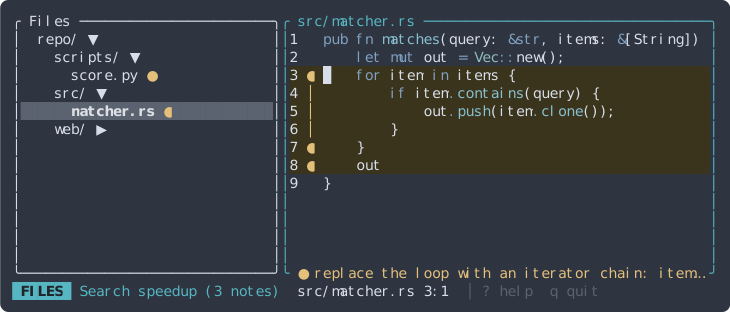
tackline --theme 'Nord'
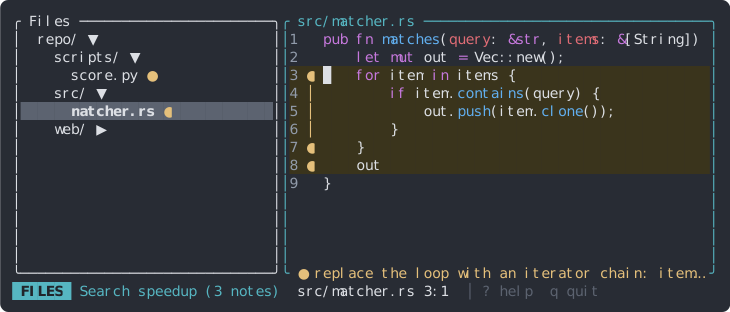
tackline --theme 'OneHalfDark'
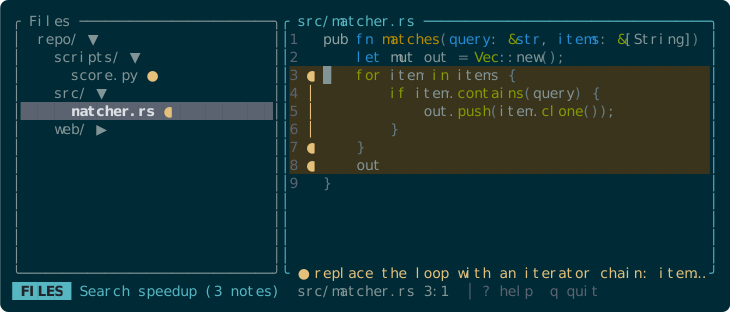
tackline --theme 'Solarized (dark)'
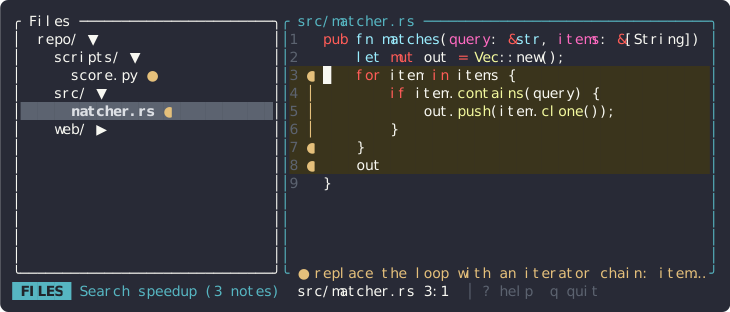
tackline --theme 'Sublime Snazzy'
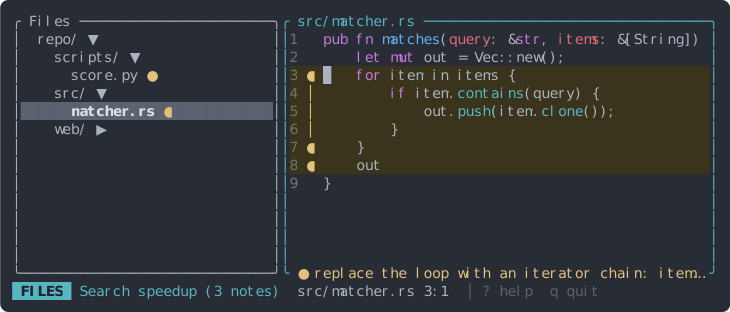
tackline --theme 'TwoDark'
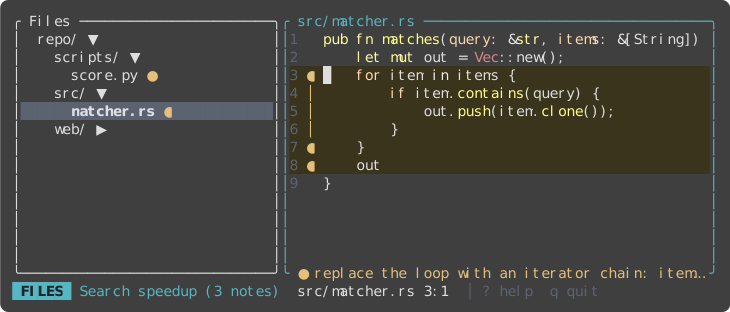
tackline --theme 'zenburn'
Light #
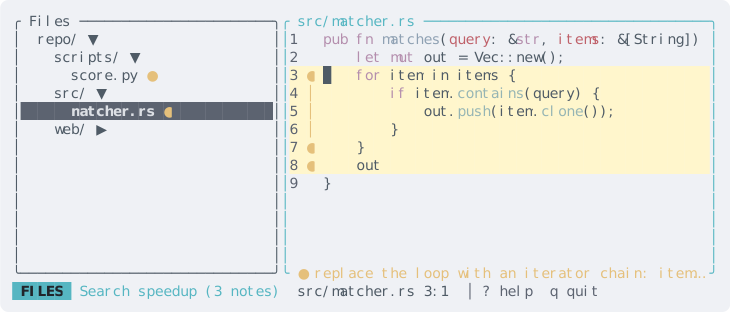
tackline --theme 'base16-ocean.light'
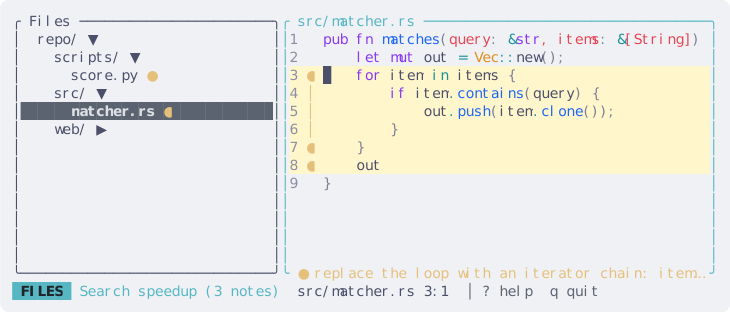
tackline --theme 'Catppuccin Latte'
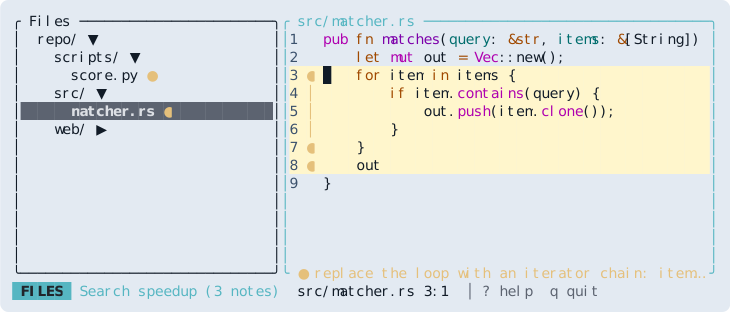
tackline --theme 'Coldark-Cold'
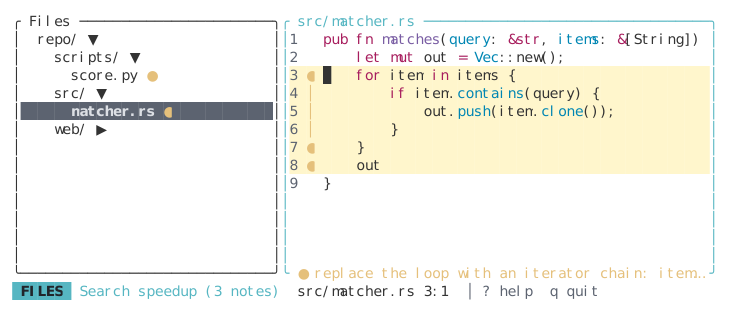
tackline --theme 'GitHub'
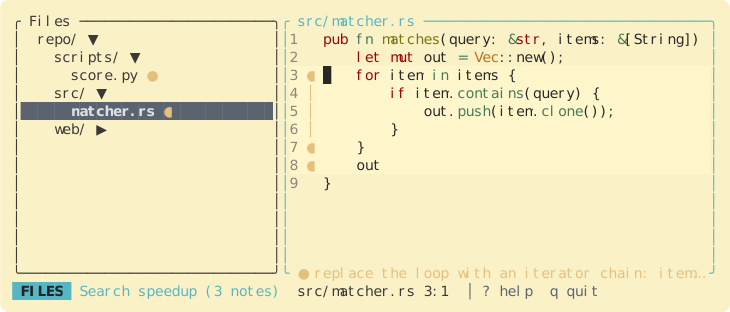
tackline --theme 'gruvbox-light'
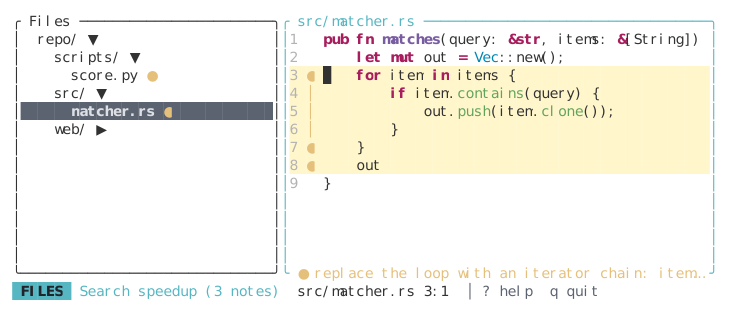
tackline --theme 'InspiredGitHub'
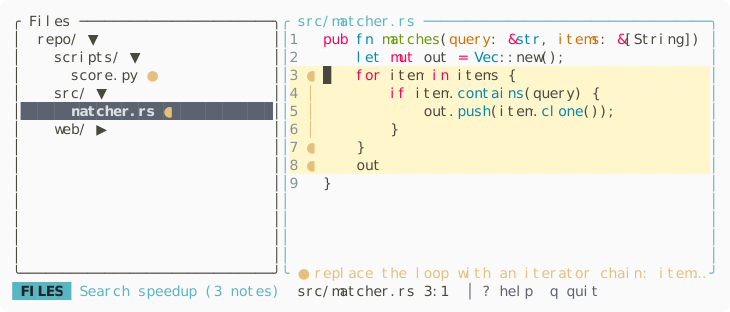
tackline --theme 'Monokai Extended Light'
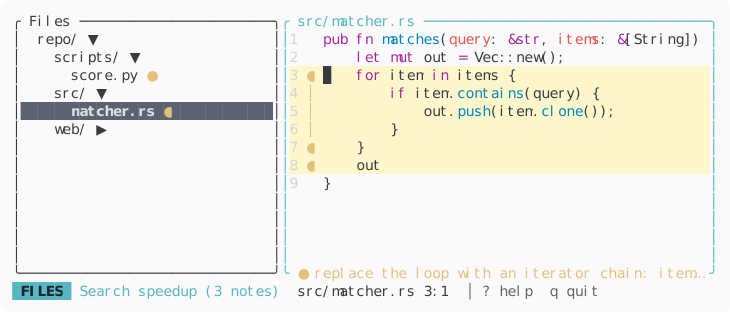
tackline --theme 'OneHalfLight'
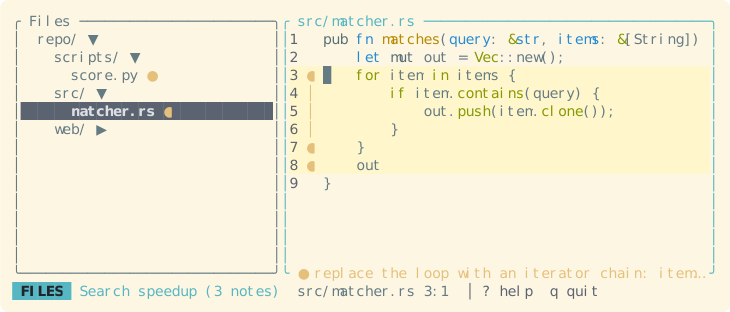
tackline --theme 'Solarized (light)'