
Dashboard
Include the URLs of Django Insights in your project:
from django.urls import include, path

urlpatterns = [
    path("insights/", include("django_insights.urls", namespace="insights")),
]
Visit http://localhost:8000/insights/ to see your insights. The dashboard requires a logged in user, to restrict it further see Permissions.
The dashboard #
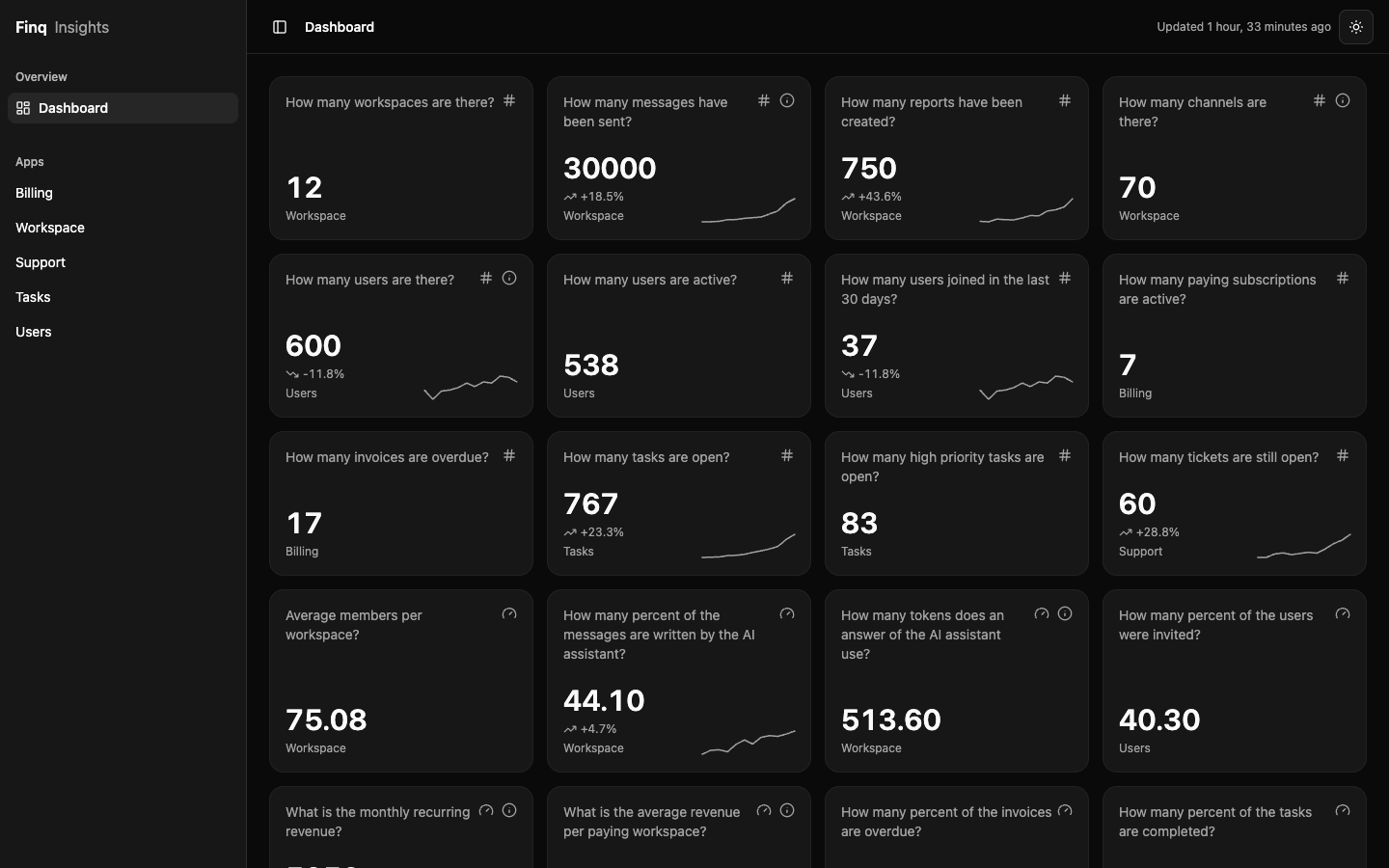
All counters and gauges of all apps, with their trend. The sidebar lists your apps.
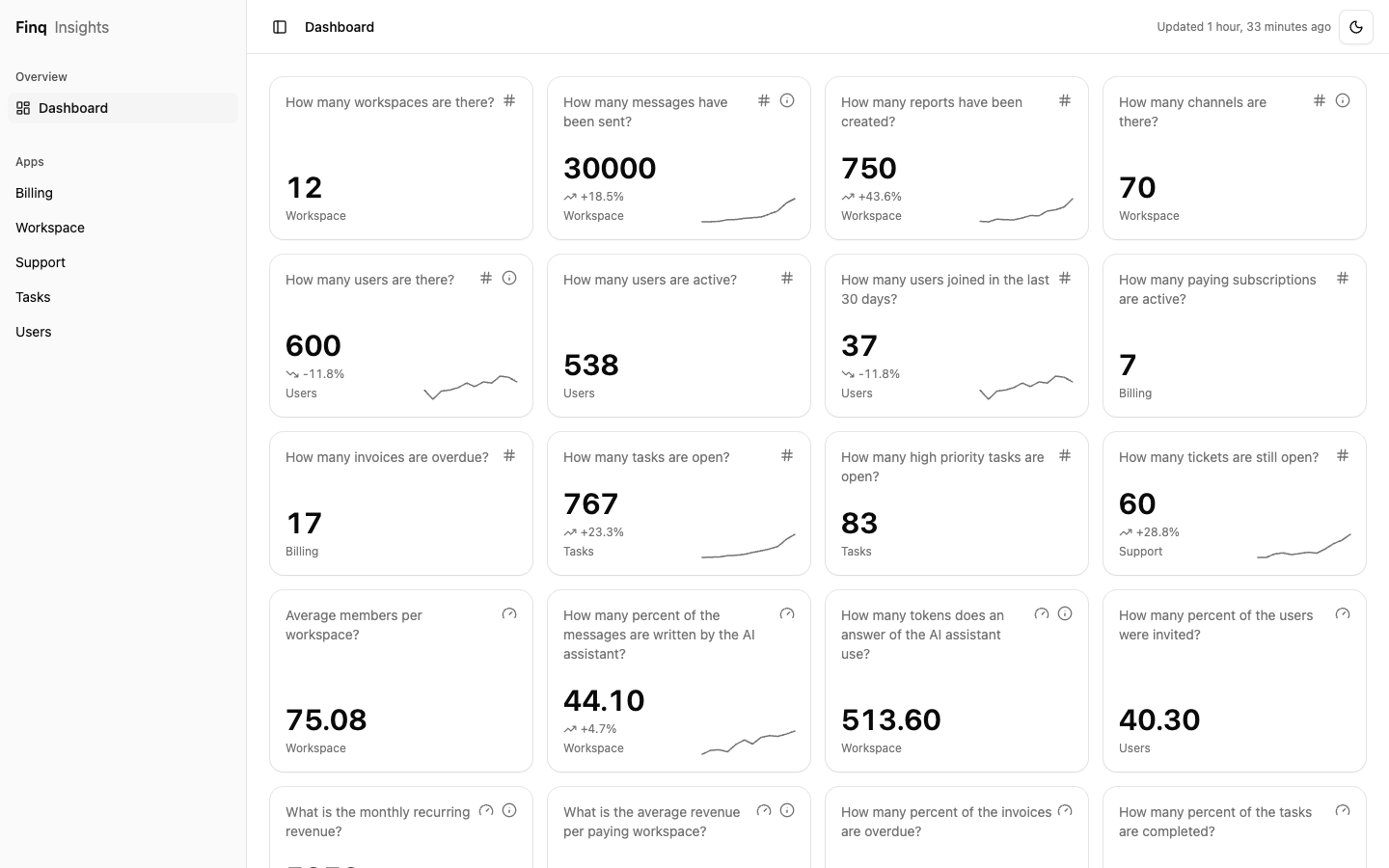
An app #
Every app with an insights.py has its own page with the charts, each with the data behind it.
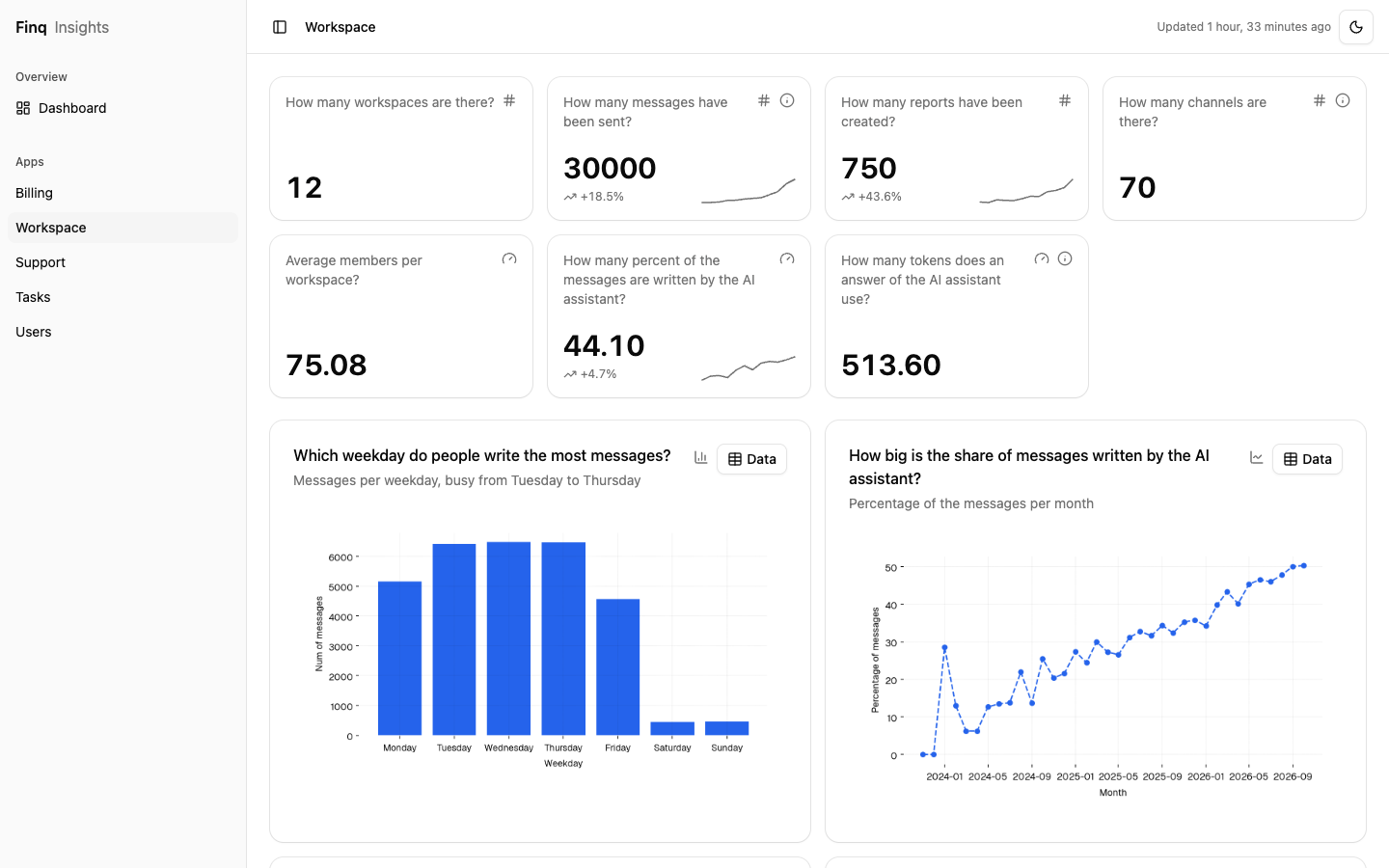
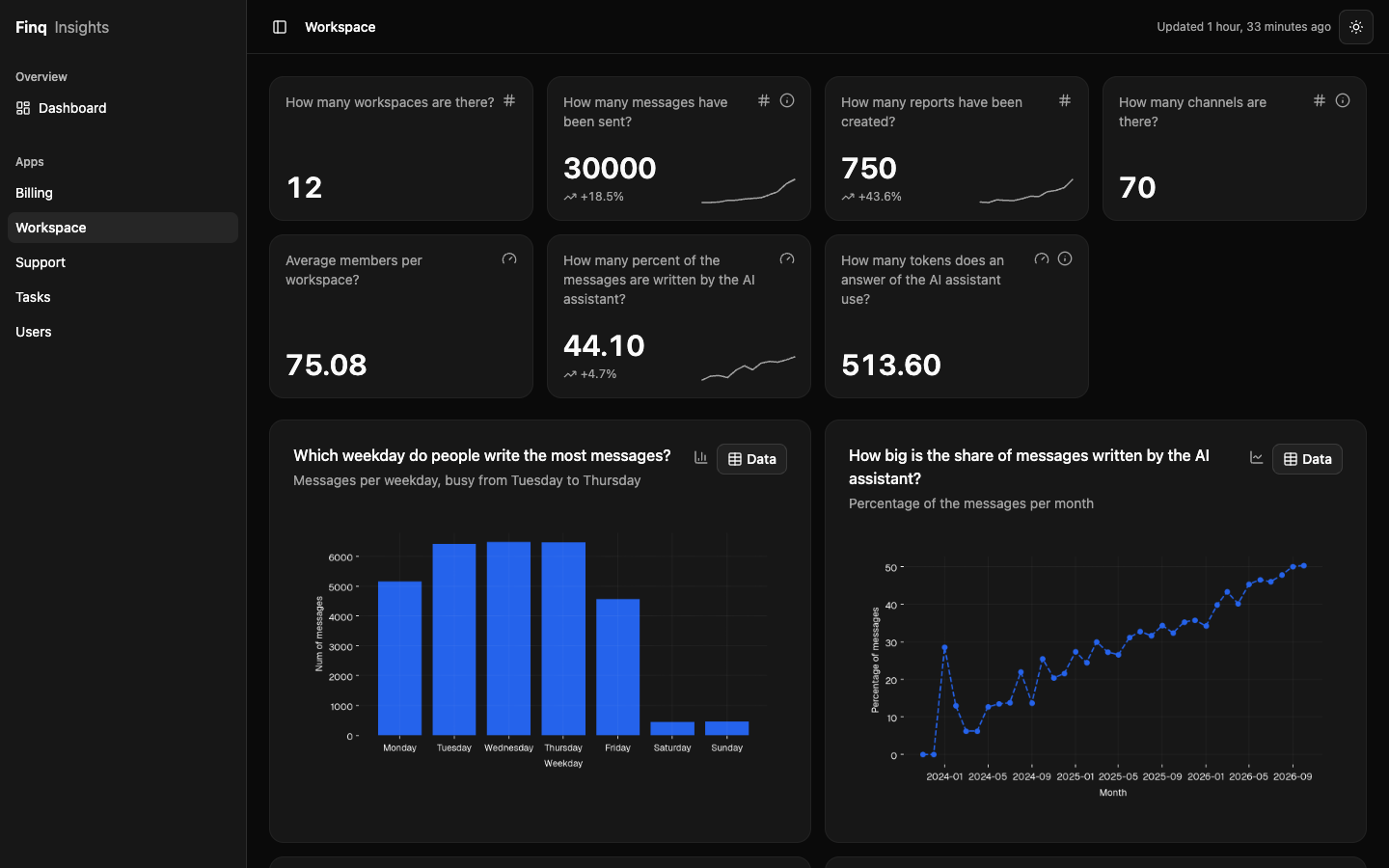
Every visitor can switch between light and dark, INSIGHTS_DEFAULT_THEME sets the starting mode. The colors and style come from Theming.
The stylesheets, icons and the Geist font are served from the package, nothing is loaded from a CDN. Run collectstatic as usual. The dashboard needs a browser with <dialog> and Tailwind 4 support: Chrome 111+, Safari 16.4+ or Firefox 128+. To change the page itself, see Customizing.
Chart cache #
Charts are rendered with matplotlib on every request. To keep them as files instead, turn the cache on:
INSIGHTS_CHARTS_USE_MEDIA_CACHE = True
INSIGHTS_MEDIA_CACHE_ROOT = BASE_DIR / "media/insights"
Cached images are written atomically, and only cached chart images (*-*-*.png) in that folder are ever deleted.